|
|
 |
|
|
|
|
Morse Code, also known as CW (continuous wave) has been around since the mid 1800's. The American Samuel Morse was a co-inventor of the morse code.
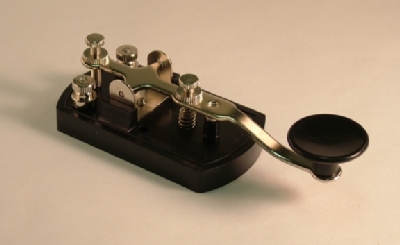
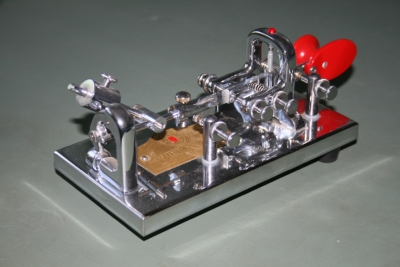
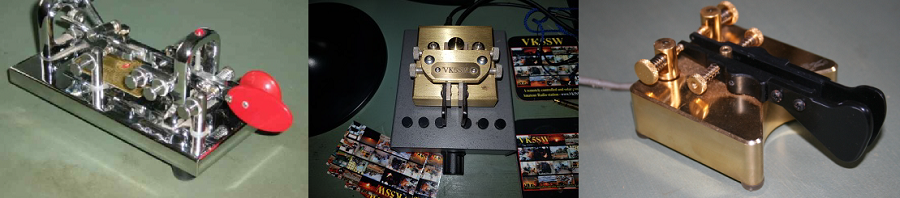
Firstly, I would like to say that I am no expert when it comes to morse code. I only have my own experiences to go by which I am fortunate to have had, on and off, since I obtained my Amateur Radio licence back in 1970. I'm certainly not the best sender, nor receiver of CW, but even so, I have enjoyed it and possibly, you can too. You don't need to be the best of anything with CW to enjoy it. You will, with practice, naturally rise to 'your own level.' As in life, by making mistakes and then correcting them, we become more able and so it is with CW too. (Correction of Mistakes = Become More Able, 'COMMA'). This website is a good example of that. Learning morse code for a lot of people seems to be an unachievable goal but with determination and persistence it can become a reality for you. Each number and letter of the alphabet is represented by a series of dots and dashes which can be more easily thought of as dits and dahs. There are many ways to send morse code within Amateur Radio. Most people learn to send morse using a straight key. The lever is moved up and down using the thumb and the next two fingers. When connected to an oscillator, dits and dahs are generated manually. The mechanical 'Bug' (shown) sends dits and dahs by the operator pushing the handle in a sideways fashion. Because of spring tension, a stream of dits can be sent automatically and dahs manually. With practise, by manipulating the lever both to the right and left, the correct sequence of code is able to be sent. This is called a semi automatic key (only the dits are automatic). The beauty of the bug is that less effort is required and very rhythmical morse code can be sent because the length of the dahs can be altered to produce the rhythm. Code sent by a bug can sound distinctive and after a time you can recognize the operator using a bug by their style of sending the code.


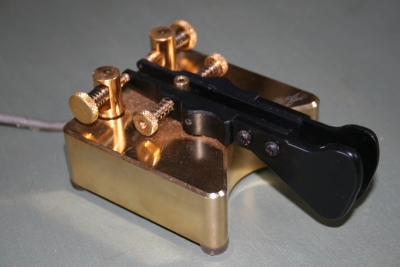
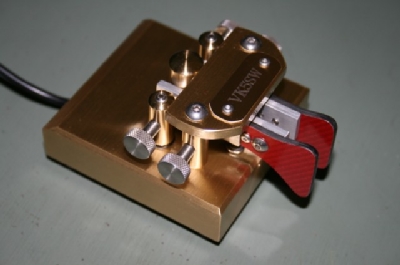
Electronic keyers (oscillators) produce near perfect wave forms of dits and dahs. The 'paddle' or key is plugged into the electronic keyer and manipulated sideways to regulate them. When in the rest position, no code is sent but when pushed to the right and left, a stream of dits and dahs respectively is sent. This is a fully automatic keyer. The skill is in manipulating the paddle to produce the series of dits and dahs to correspond with the text you want to send. Practice will enable you to control the paddle. In my opinion, it is easier to use than the other keys. Also, higher speeds can be achieved by using an electronic keyer.

Morse code can also be sent by using a computer keyboard to type your message. When receiving the code, it can be decoded and displayed on your computer screen using suitable software such as Ham Radio Deluxe or MixW.
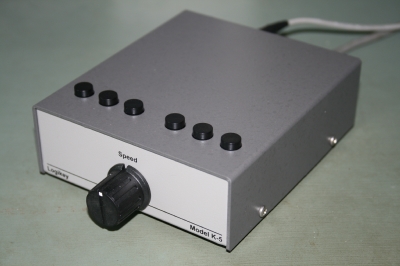
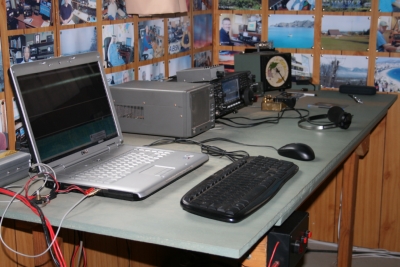


The Internet can provide you with many resources to help you with learning morse code. The website Dxzone/learning morse code has many sites devoted to doing just that. Various methods are available to help you learn the code. eg. LCWO.net. To practise sending CW, you will need a morse code (audio) oscillator and a hand key which can be obtained from a Ham Radio retailer such as MFJ. This ARRL Link can be particularly helpful with learning the code.
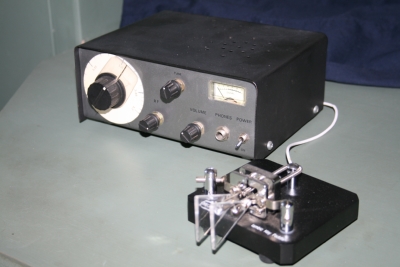
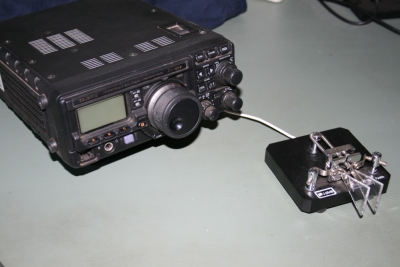
As well as using suitable software available on the Internet, practise copying code by listening to your radio. The lower portions of the HF bands are where you will find Amateurs chatting to each other using this mode of communication. Of course, many stations will be sending too fast for you to copy but 80 metres of a night time is a good place to practise receiving. Quite often there are morse code nets on this band where Hams send CW slowly so that beginners can improve their copying skills. The Ham Radio association in your country will be able to help you with information about these CW nets. Also, Sunday mornings on 40 Mx is a good time and place to practise. The ARRL's headquarters station W1AW also transmits morse sessions to a regular schedule.
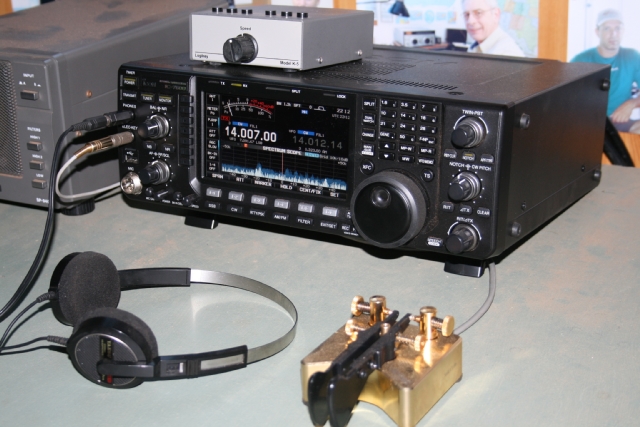
I think it pays to approach learning the code in a leisurely fashion. From memory, I think it took me about six months to reach a point where I was reasonably proficient. I found as time went on there were moments where, for no apparent reason, my code speed seemed to suddenly increase but it was the accumulation of the work done that enabled the sudden increase to occur. But everyone is different. You will have to find what works for you but the underlying principle still applies and that is 'practice makes for improvement.' By the way, when the big day finally arrives and you are about to work a station for the very first time, just remember that it is normal to feel apprehensive about making mistakes. Mistakes with sending and mistakes with receiving. This is natural. Just persist and with time you will become a more confident and competent morse code operator.
|